 Nir Lewinsohn
Your storefront isn’t one website anymore. Shoppers buy through apps, social feeds, marketplaces and AI assistants, and plenty of them hop between several in the same week. Headless commerce web development answers that with one commerce engine behind every touchpoint, so a new channel doesn’t mean starting over. Sounds great. But it’s not right for every brand. So how do you know if it’s right for yours?
What Headless Commerce Architecture Actually Means
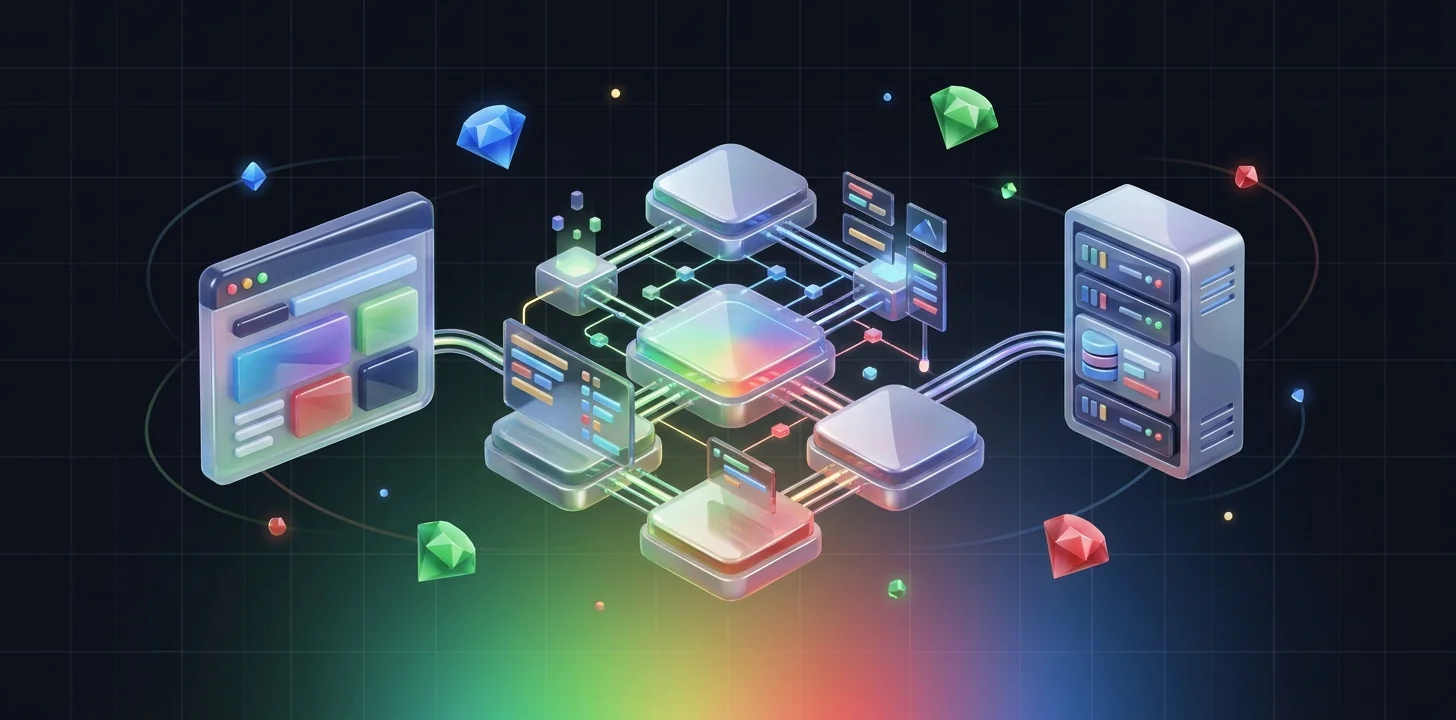
Start with the traditional setup. A conventional e-commerce platform welds the storefront (what shoppers see) to the backend (products, pricing, inventory, orders, checkout), and the two behave as one system. Headless commerce architecture pulls them apart. The backend hands over its data and functions through APIs. Your team then builds the frontend in whichever framework fits the job.
Shopify’s developer documentation describes the model plainly: headless commerce on Shopify means you build the frontend while its APIs handle the commerce underneath. That same backend can then power a website, a mobile app, a livestream, a smart device or a buy button on a site you already have.
Everything useful about headless traces back to that split:
- Design freedom: Themes stop setting the ceiling on your UX.
- Channel reach: A single product catalog and one set of cart logic can feed web, app and newer channels.
- Independent release cycles: Frontend teams can ship weekly and never touch order management.
- Best-of-breed tooling: Bring in a dedicated CMS, search engine, PIM or ERP instead of settling for built-in modules.
One thing trips people up: headless and “composable” commerce get used as if they mean the same thing. They don’t. Headless only means the frontend is decoupled. Composable takes the idea further and breaks the backend into swappable services as well. What we have seen is that most brands begin headless and slide toward composable as their needs grow.
When a Custom E-Commerce Platform Makes Sense
A custom e-commerce platform is a serious investment. Build one for the wrong reasons and you’ll likely end up paying for an expensive rebuild. Even Shopify’s own guidance says to go headless only when your business systems, processes or customer experience can’t be delivered through its standard themes, sales channels and apps. That same documentation admits a headless storefront costs more to build and run than a theme, and that merchants need developers to maintain it after launch.
In our experience, headless pays off when at least two of these are true:
- You sell across several channels (web, native app, retail kiosks, marketplaces) and need the same data everywhere.
- Your content plans are ambitious. Think editorial pages, shoppable video or localized campaigns that a theme editor can no longer handle.
- Theme limitations or app bloat are dragging your site down.
- You run complex catalogs, B2B pricing, subscriptions or multi-region storefronts.
- You have an engineering team for ongoing development, in-house or through a partner, or you can hire one.
Bottom line: if none of those describe you, a well-optimized monolithic store is usually the smarter choice. Our breakdown of custom vs template builds covers that decision in more detail. For brands still choosing a core platform, our comparison of Shopify and WooCommerce is a useful starting point.
Choosing Your Headless Tech Stack
Your tech stack decides how fast you can ship, what hosting costs you and how easily you can scale. Here’s the thing, though. Don’t treat it as one giant product decision. Think in layers.
- Commerce engine: This is the source of truth for products, carts, orders and checkout. You can pick anything from SaaS platforms with strong APIs to API-first engines built for enterprise catalogs. Look for mature GraphQL or REST APIs, clear rate limits and solid multi-currency support.
- Frontend framework: React-based frameworks such as Next.js dominate because they support server-side rendering and static generation, and both matter for SEO. Shopify, for example, offers Hydrogen as its headless toolkit for JavaScript frameworks. It also provides a Storefront API for teams that would rather bring their own stack.
- Headless CMS: Marketers take control of landing pages, editorial content and promotions, and nobody has to file a developer ticket.
- Search and merchandising: On large catalogs, a dedicated search service with typo tolerance, synonyms and personalization usually beats the built-in option.
- Hosting and delivery: Edge networks and serverless functions keep rendered pages close to shoppers.
- Integrations: PIM, ERP, OMS, CRM, analytics and consent tools, all wired together through APIs or middleware.
We follow one rule here. Pick fewer, well-documented services over a long list of niche vendors. Each extra service brings another contract, another integration to maintain and another thing that can break. If you’re deciding between partners to build this, our guide to choosing a web app development agency lists the technical questions worth asking.
Building for Scalable E-Commerce Performance
Scalable e-commerce performance really means two things. Stay fast on an ordinary Tuesday, and stay up during a peak sale. Headless hands you more control over both. It won’t do the work for you, though, and a poorly built headless site can easily end up slower than a theme.
Speed has a direct commercial impact. In a web.dev case study, Rakuten 24 saw a 53.37% increase in revenue per visitor and a 33.13% increase in conversion rate after investing in Core Web Vitals. Our guide to Core Web Vitals optimization explains how those metrics also affect search and AI visibility.
On a headless build, these practices matter most:
- Render strategically: Use static generation for category and content pages. Use incremental regeneration for product pages. Save server rendering for places where the data has to be live.
- Cache aggressively at the edge: Keep API responses and pages close to users, and invalidate them through webhooks whenever products or prices change.
- Keep JavaScript lean: Hydrate only the interactive components. Heavy client bundles are the most common reason headless sites fail Core Web Vitals.
- Optimize media: Serve modern image formats at responsive sizes from an image CDN.
- Load test before peak events: Simulate traffic spikes against both the frontend and the commerce APIs, and plan around rate limits.
- Design mobile-first: Most commerce traffic is mobile, so test on mid-range devices and real networks. Our take on mobile web development explores this further.
Checkout Optimization and API Security
Checkout is where architecture turns into revenue. An unnecessary step, a surprise fee or one extra form field is all it takes to give a shopper a reason to leave. How you build checkout directly affects conversion.
Many headless brands simply keep their platform’s hosted checkout. It handles payments, tax and fraud screening, and it stays PCI-compliant with no extra work. Others build a custom checkout because they want full control. Either way, get these essentials right:
- Offer guest checkout and express wallets.
- Show total costs, including shipping and taxes, early.
- Cut form fields and turn on address autocomplete.
- Keep cart state in sync across devices and channels.
Security deserves equal attention, because a headless store exposes more API endpoints than a monolith does. Use short-lived tokens. Keep private API keys server-side. Enforce object-level authorization on every request that touches customer or order data, and rate-limit public endpoints. The OWASP API Security Top 10 is a sensible baseline for your security review. If you operate in finance, health or other regulated sectors, read our guide to compliance-ready web development before you scope the build.
A Step-by-Step Headless Commerce Implementation Roadmap
A successful headless commerce implementation is phased, measurable and reversible. Here’s the sequence we recommend:
- Audit and benchmark: Write down your current conversion rate, Core Web Vitals, revenue per visitor and release velocity. Skip this and you can’t prove ROI later.
- Define business requirements: List the channels, markets, catalog complexity and integrations you need. Then map each one to a system.
- Select the stack: Before signing any contracts, run a short proof of concept on your riskiest integration (often ERP or inventory).
- Design the content model and UX: Structure products, content types and components so marketers can build pages without developers.
- Build incrementally: Launch one section first, such as the blog, a landing page template or a single market. Leave the legacy store running in parallel and move traffic over gradually.
- Protect SEO during migration: Preserve URL structures, map redirects, carry over structured data and confirm that pages render fully for crawlers.
- Test and launch: Run functional, load, accessibility and security testing. Then A/B test critical templates against the old versions.
- Operate and iterate: Review performance budgets, API errors and conversion metrics every week, and keep a backlog of optimizations.
People often call this the strangler pattern, and it cuts risk dramatically compared with a big-bang relaunch. For a broader look at store builds, see our ecommerce website development guide.
Frequently Asked Questions About Headless E-Commerce Development
What is headless commerce in simple terms?
It splits the shopping experience customers see from the backend that runs products, carts and orders. The two communicate through APIs. That means you can redesign the frontend or add new channels without rebuilding the commerce engine.
Is headless commerce good for SEO?
It can be excellent, as long as pages are server-rendered or statically generated, load fast and keep clean URLs and structured data. A poorly built client-side app is the opposite story. It can hide content from crawlers and hurt rankings.
How long does it take to build a headless store?
It depends on catalog size, integrations and the number of markets. A focused build on a SaaS commerce backend moves much faster than a multi-region enterprise migration. Phasing the launch means you deliver value early.
Is headless commerce more expensive than a traditional store?
Yes, upfront and ongoing. You’re paying for frontend development, hosting, extra services and continuous maintenance. The payoff is better conversion, faster releases and channel flexibility, so build your business case on those gains.
Can small businesses go headless?
They can, but most don’t need to. If a theme-based store already meets your design and performance goals, optimize that first. Headless makes sense once platform limits begin blocking growth.
What’s the difference between headless and composable commerce?
Headless decouples the frontend from the backend. Composable commerce goes a step further and breaks the backend into independent services, such as search, checkout and promotions, which you can swap out one at a time.
Final Thoughts on Headless E-Commerce
Headless gives brands design freedom, channel reach and performance control that traditional platforms struggle to match. The price is higher cost and more complexity. So start with clear business requirements. Choose a lean stack, put speed and checkout first, secure your APIs and migrate in phases. When the numbers back it up, a headless build turns into a lasting growth engine.
 Nir Lewinsohn
More from Nir


Sign up to our newsletter
The next guide and the next episode, in one weekly heads-up. No noise.